Follow these steps carefully to register and return your nutrition DNA test.
Before you begin — do not eat, drink, smoke, brush your teeth, or chew gum prior to collecting your sample.
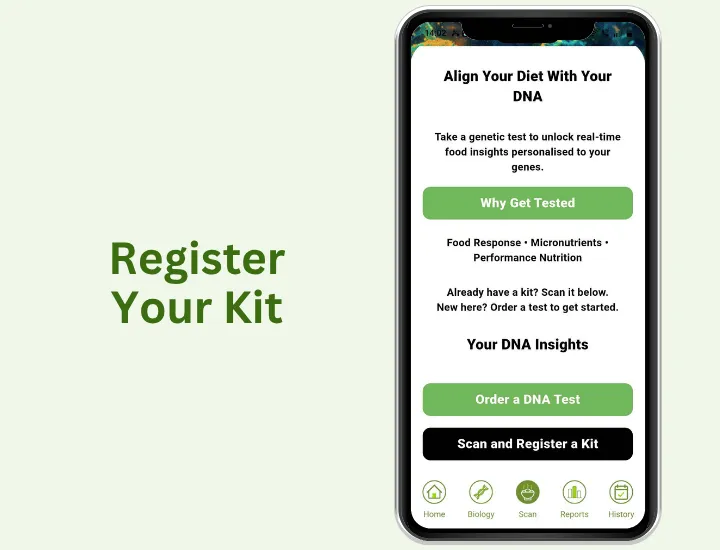
Register your kit
In the app, go to the menu and select Biology, then tap Scan and register a kit.
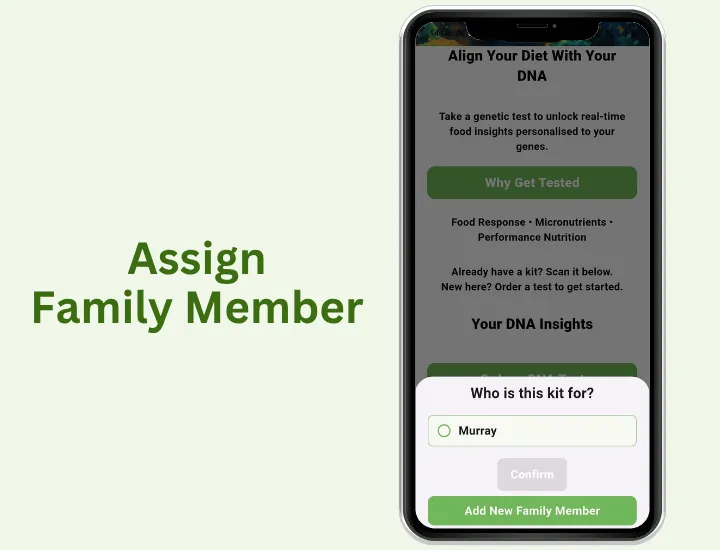
Assign to a family member
Select an existing family member or create a new one to link this test to.
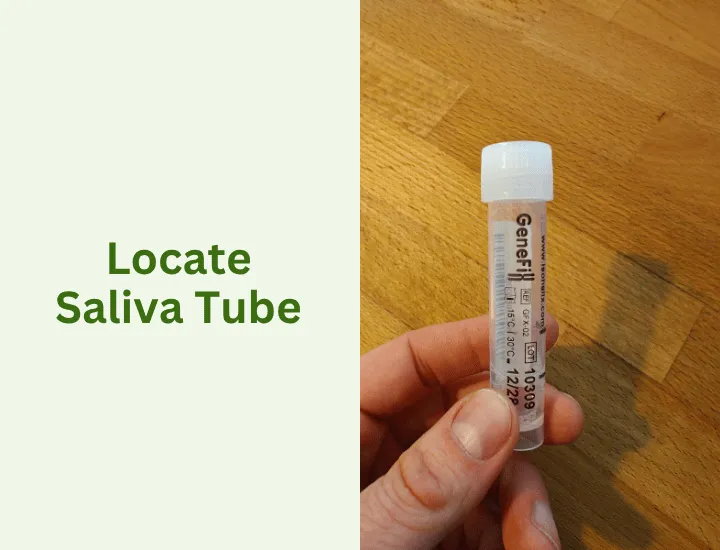
Locate the saliva tube
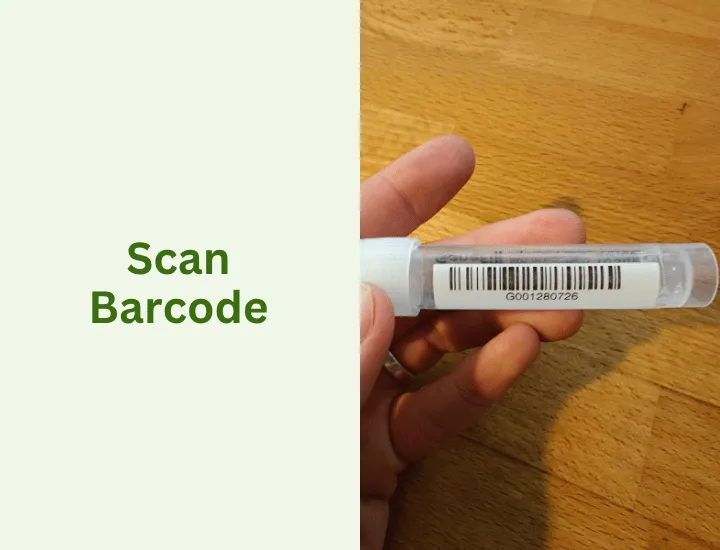
Remove the saliva collection tube from the pack. Find the barcode on the side of the tube.
Scan the barcode
Use the app to scan the barcode on the tube. This links the DNA test to your account.
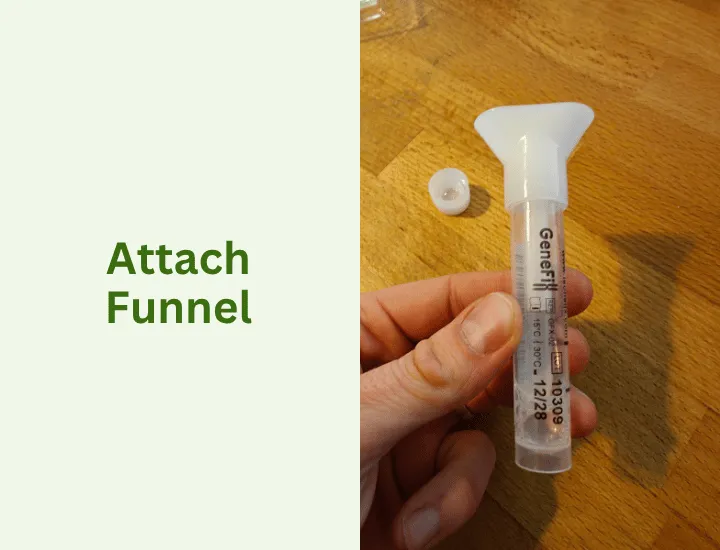
Attach the funnel
Unscrew the lid from the tube and attach the funnel head — this makes it easier to spit into the tube.
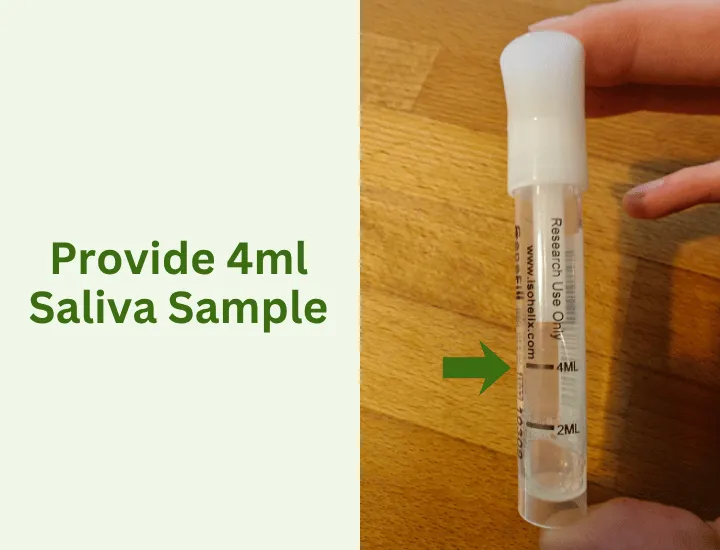
Provide your saliva sample
Spit into the tube until the saliva reaches at least the 4ml mark. Do not remove the existing liquid already in the tube.
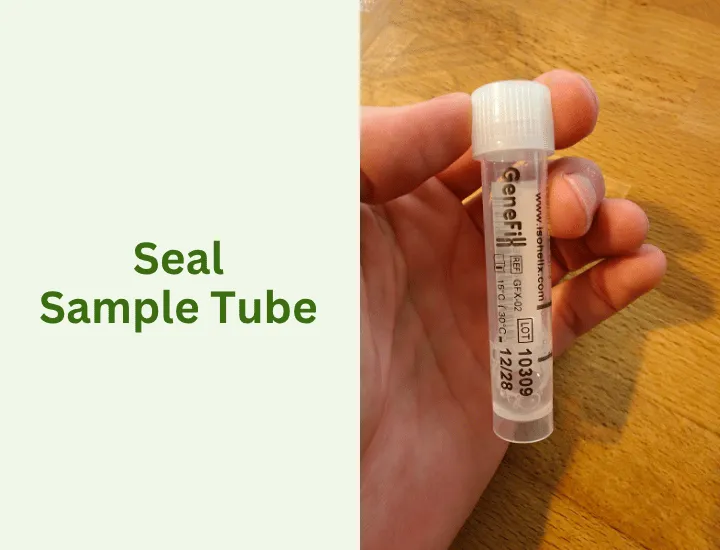
Seal the tube
Remove the funnel and screw the original lid back on firmly. Ensure it is tight before moving on.
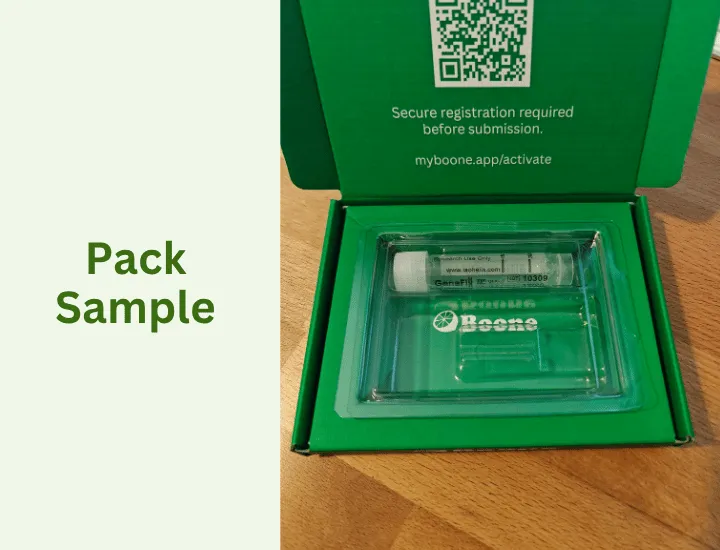
Pack the sample
Place the sealed tube back into the plastic container. The funnel can be discarded.
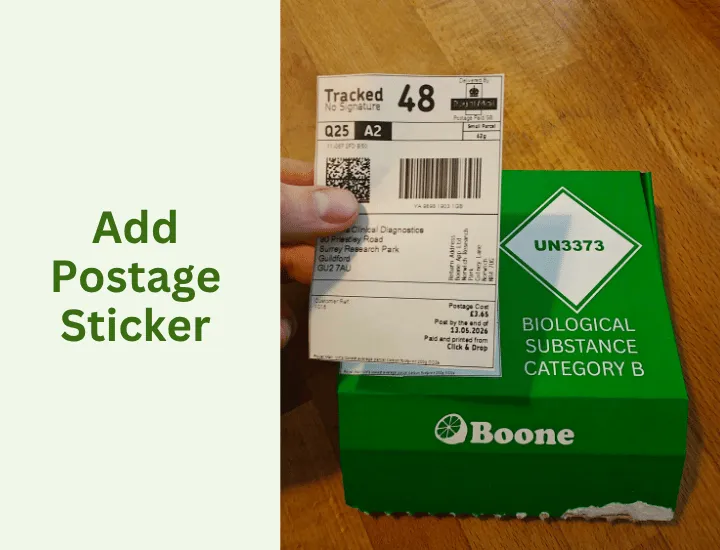
Apply the postage sticker
Peel the postage sticker from the bottom of the package and place it over your existing address label.
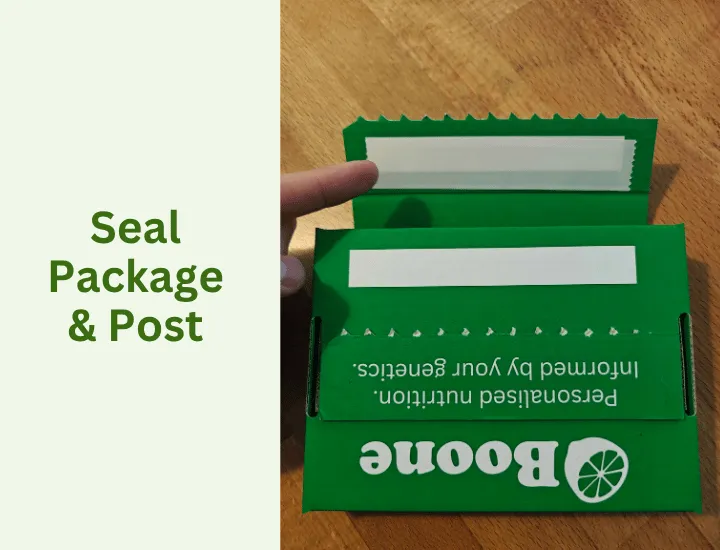
Seal and post the package
Add the plastic container to the package, remove the sticky strip, and close it securely. Drop it at a post office or post box.
We'll notify you on receipt
Once we receive your sample, you'll get a notification through the app.
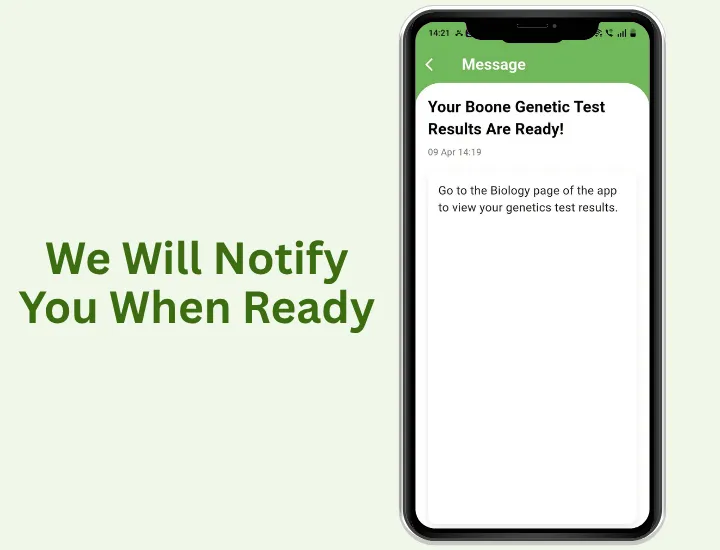
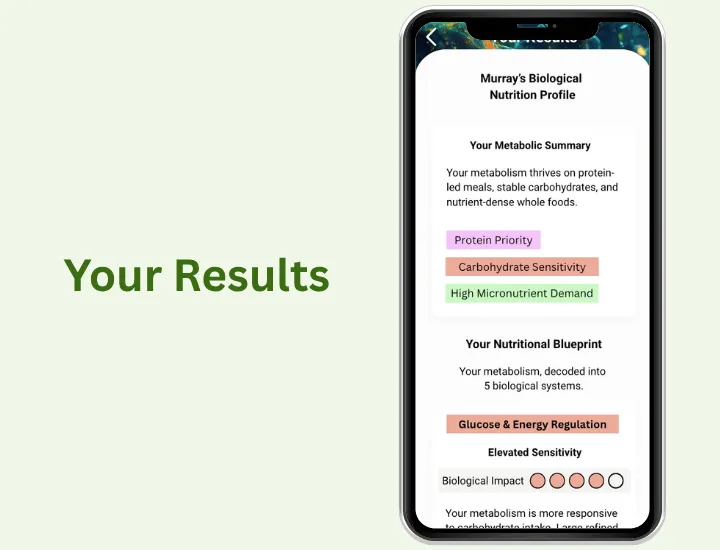
Your results will appear in the app
When your report is ready, it will be available directly in the Biology section of your app.
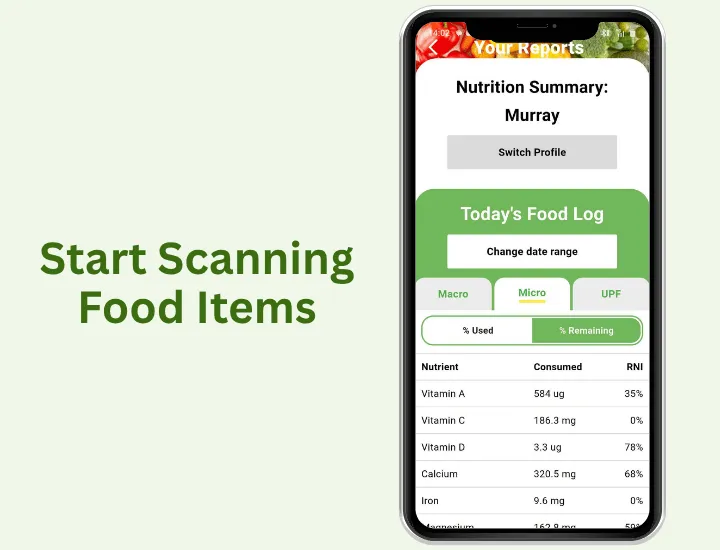
Start logging your food now
While you wait, use the app to photograph your meals. This gives you a head start so you can get the most from your report when it arrives.